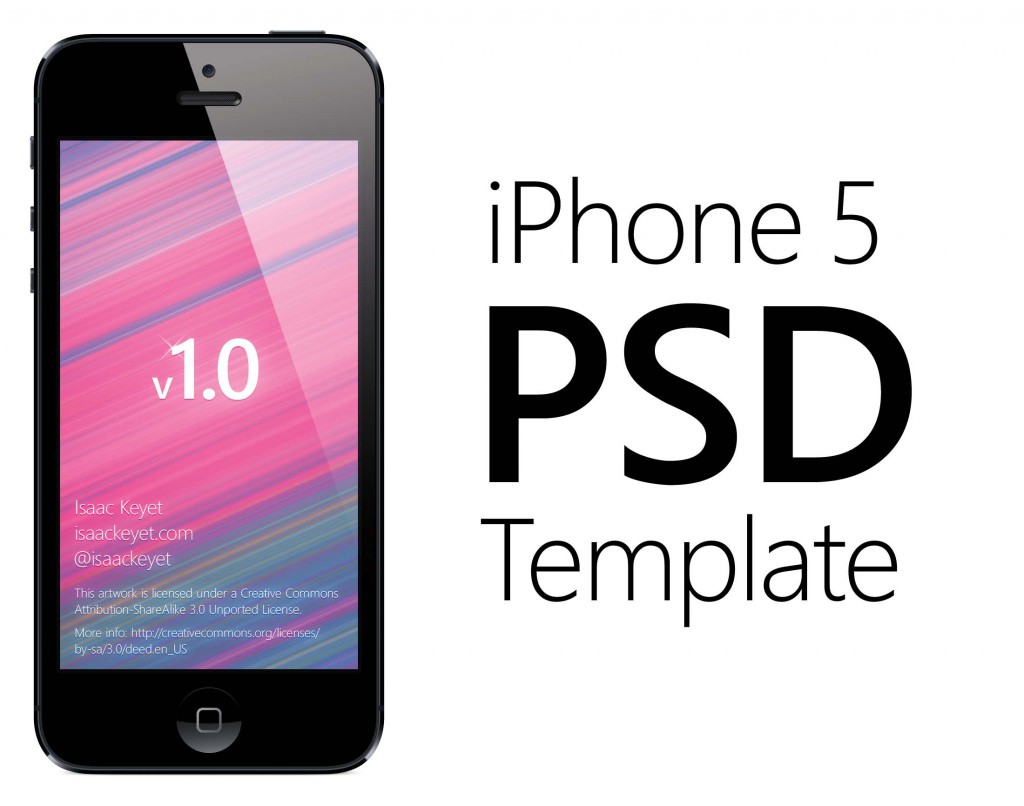
The iPhone 5 is an amazing, well-designed, and versatile device. However, as usual, it’s extremely hard to find good lossless pictures of the device for use in promotions, blog posts, and on websites. The press graphics provided by Apple itself have very strict licensing and only scale so far since they’re already rendered and you don’t get access to the source files.
Given that most of this iPhone’s design will most likely stick around for at least 2 years to come, I thought it made sense to spend some time on making a fully vector based replica of it to save time for designers working on apps and websites for the iPhone 5.
This illustration was made in Photoshop to ensure pixel perfection but is composed entirely of vector based or scalable elements. You can literally use Image Resize to scale this image up to be as tall as yourself at 300dpi with the same level of detail and no pixelation. For convenience the template is fitted at Retina resolution, so you can easily drop in iPhone 5 screenshots of apps/websites into the template without having to resize the device itself to fit.
Download PSD Template
Download iPhone 5 PSD Template (zipped .psd, ~54MB)

This work is licensed under a Creative Commons Attribution-ShareAlike 3.0 Unported License. Couldn’t find any better license than this. You’re free to use the artwork and modify it however you want for both personal and commercial use.
Information
These instructions are also embedded in the PSD template itself.
- Right-click on the Smart Object the PSD opens to in the Layer palette and choose Replace Contents to fit your screenshot snugly in the frame.
- The guides in the PSD are fitted to be exactly 640x1136px.
- There are three pre-set slices in the PSD, two for exporting the entire device with padding and one for exporting the screen only.
- A sample status bar exists in the “Screenshots” folder, use it to apply a custom carrier, time, and battery life.
- There are two device shadows included: one that indicates a device balancing on it’s edge and one for when it’s laying flat on a surface.
- Three backgrounds are bundled, disable all to get a transparent backdrop.
- A device reflection is also included. Use in moderation!
Enjoy and happy shoppin’.
Thank you!!!
Hey Isaac! Great job! Thanks, that’s a great template!
Awesome!!
Great resource, thanks